
After the pull · on your PC
AION 2 fight analysis
After a pull, A2Naki’s Analysis page shows where the damage went and what to do better next time. It works for anyone in your group, for one fight or a whole dungeon run.
The Analysis page
Open it after any fight
The Analysis button sits at the bottom right of the Encounter, on the boss card, the guide and the training card alike. It opens the page in its own window, 900 × 920 from the browser page, and you can make it larger. On the Xeneon Edge it opens on your PC, in the browser.
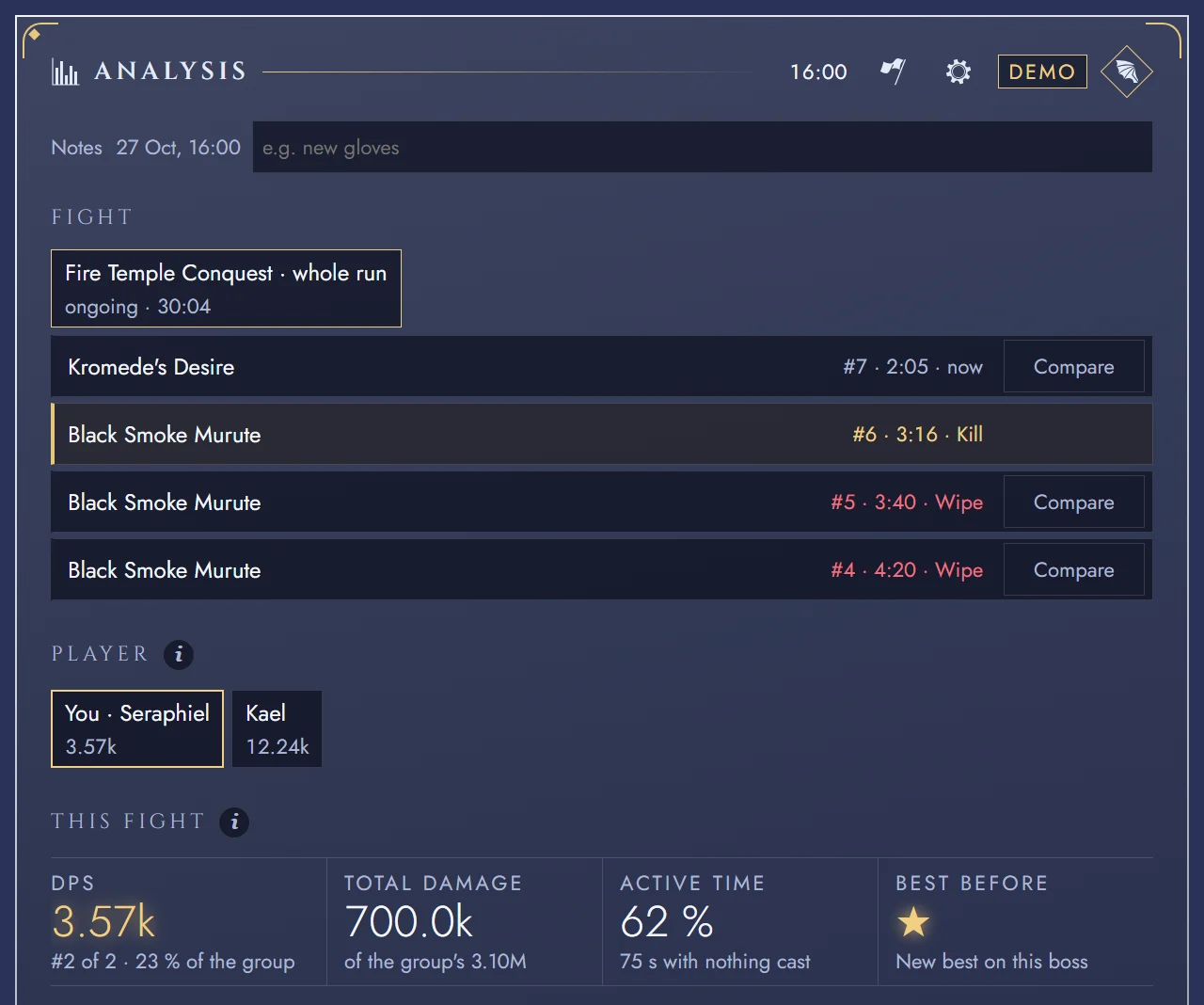
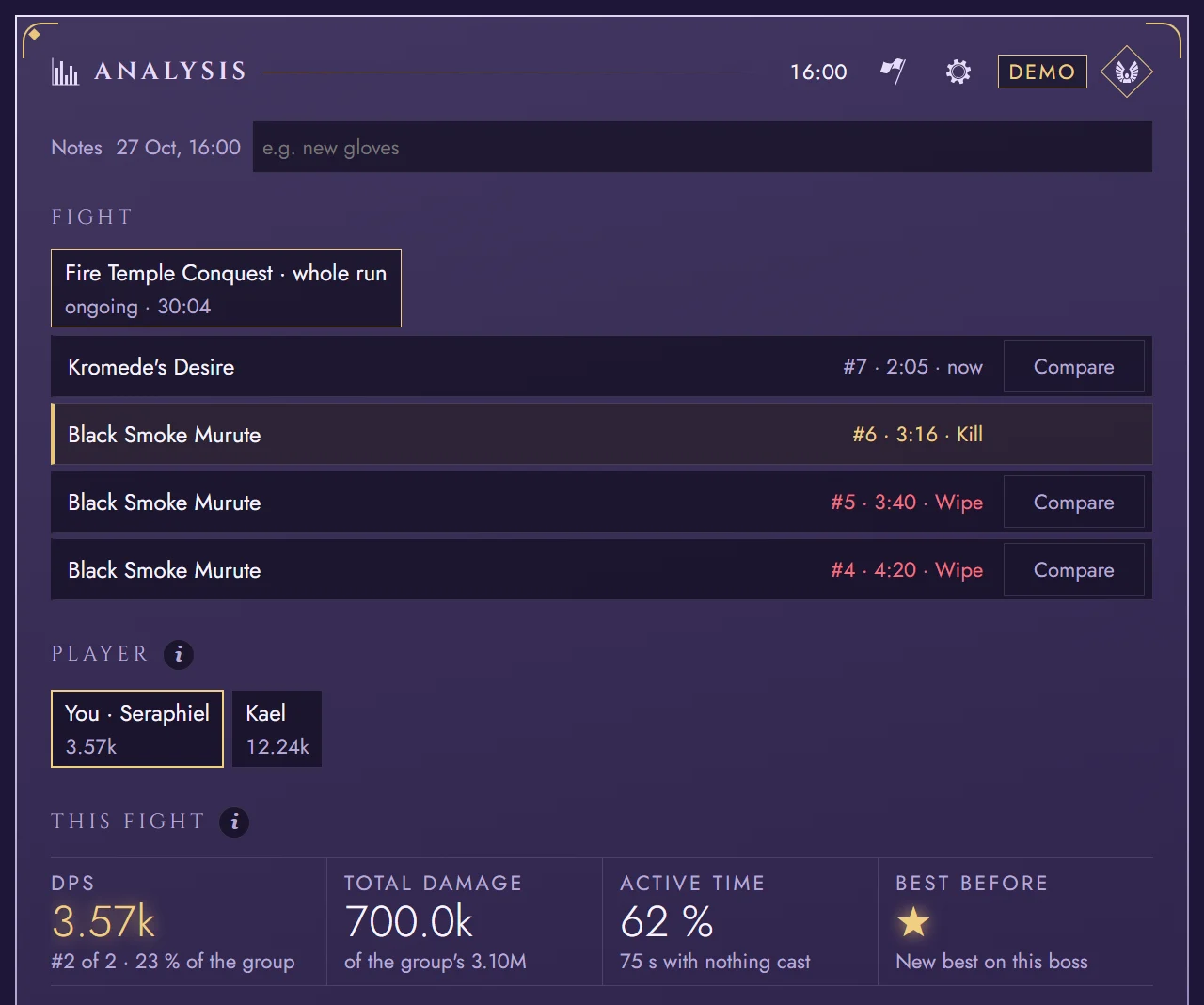
Tap a row in the fight list to show that fight, or Compare on another row to see two side by side; each row ends in Kill or Wipe. PLAYER picks whose numbers the page shows, yours or anyone’s in your group. The “i” next to each heading explains its numbers, and Notes at the top is a field for your own notes.
At the top
This fight, and what to improve
THIS FIGHT sums up the pull: your DPS with your place in the group and your share of its damage, your total damage next to the group’s, and your active time. A cast counts as 1.5 s of active time; time stunned or with nothing cast does not. Best before compares the fight with your best DPS on that boss, and a new best says so.
WHAT TO IMPROVE grades the fight point by point. The colour of the diamond says how much a point matters: red high (fix this first), orange medium, green low (already good). Beside it are the result with a bar, where a white line marks the goal, and one sentence on what happened and what to do next time. Some of the points it grades:
- a cooldown you used fewer times than it was ready, with how long it stood ready unused;
- your active time, with the seconds you cast nothing;
- a debuff on the boss, with how much of the fight it was up and how often you renewed it;
- loss of control, counted as how often you could not act and for what share of the fight;
- back attacks, as the share of your hits that came from behind.
The table
One table with filters
Show switches the table between Damage, Healing and Damage taken. Whose is you, another player or the whole group. Per sets the rows: one per skill, player or target, or for damage taken one per enemy attack or enemy.
A skill row has its amount and share, casts, average per cast, hits, average hit, crit %, back attack % and its biggest hit. Tap a row to narrow the table down: tap a skill and switch to Per Player to see who else used it, tap a player to open their skills, tap an enemy to keep only its attacks. Each filter then shows as a chip you remove with ✕.
Target picks All, Boss or Adds. A graph shows the biggest five rows over the fight; drag across it to count only that part of the pull, for example the burn after a stagger. ⤓ CSV downloads the table as it stands, for a spreadsheet.
Supports and buffs
rDPS: who helped whom
With Show on rDPS, each player’s number splits into their own damage, what others added to it and what they gave to others. Per Effect lists each buff and debuff with who gave it, its uptime and the damage it added. A Chanter or a Cleric sees there what their buffs were worth. The DPS meter page says more about rDPS.
Further down
Cooldowns and deaths
Cooldowns sets each skill’s casts against the casts its cooldown allowed and shows how long it stood ready unused. Only your own casts have times, so this part is always yours.
Every death is listed with the last hits before it, and with who resurrected whom, or whether the player used a Spiritstone or respawned.
Damage taken by enemy attack names each attack with its damage, how many players it hit and the deaths it caused. Where the boss guide counts an attack as avoidable, the page says so and gives the share of the damage that was.
Dungeons
The whole run
Choose the whole run instead of one fight and the page covers the dungeon from the first pull: the clear time (or the time so far) against your record, active time, deaths and wipes. Every boss pull stands against your fastest kill of that boss; tap one to open that fight. A line shows where the time went between the fights, with the longest gaps, and every table below counts the whole run.
More
Also on the Analysis page
Training runs on the dummy compare run A with run B, with the gear slot that changed and your own labels. How to test a build that way is on Build & min-max.
An arena match is a fight on the Analysis page too, without the tips meant for boss fights; see arena matches.
A boss fight you share with a2naki.com gets a log page with the same filters for damage and healing, and a replay of the pull. See the AION 2 DPS logs and rankings for what others uploaded.
Questions
Fight analysis FAQ
Can I analyse my AION 2 fights after a pull?
Yes. After every fight, the Analysis page in the free A2Naki app shows what to improve, every skill, your cooldowns, the deaths and the damage taken. It is worked out on your PC from the fights A2Naki keeps there, so nothing has to be uploaded. Boss fights you share also get a log page on a2naki.com with the same filters.
Can I see another player's cooldowns and rotation?
You can see every player's damage, healing and skills in your group, but only your own casts have times in A2Naki, so cooldowns and active time are yours alone.
Why does an older fight miss its graph, deaths or damage taken?
Each part is kept for fights from the version that brought it. A fight recorded with an older A2Naki shows what that version kept, and says so where something is missing.