
a2naki.com · your pulls online
AION 2 boss logs
Connect the A2Naki app once and every boss pull you fight becomes a log on a2naki.com, with a profile for your character and a page for your legion.
Step one
Connect the app
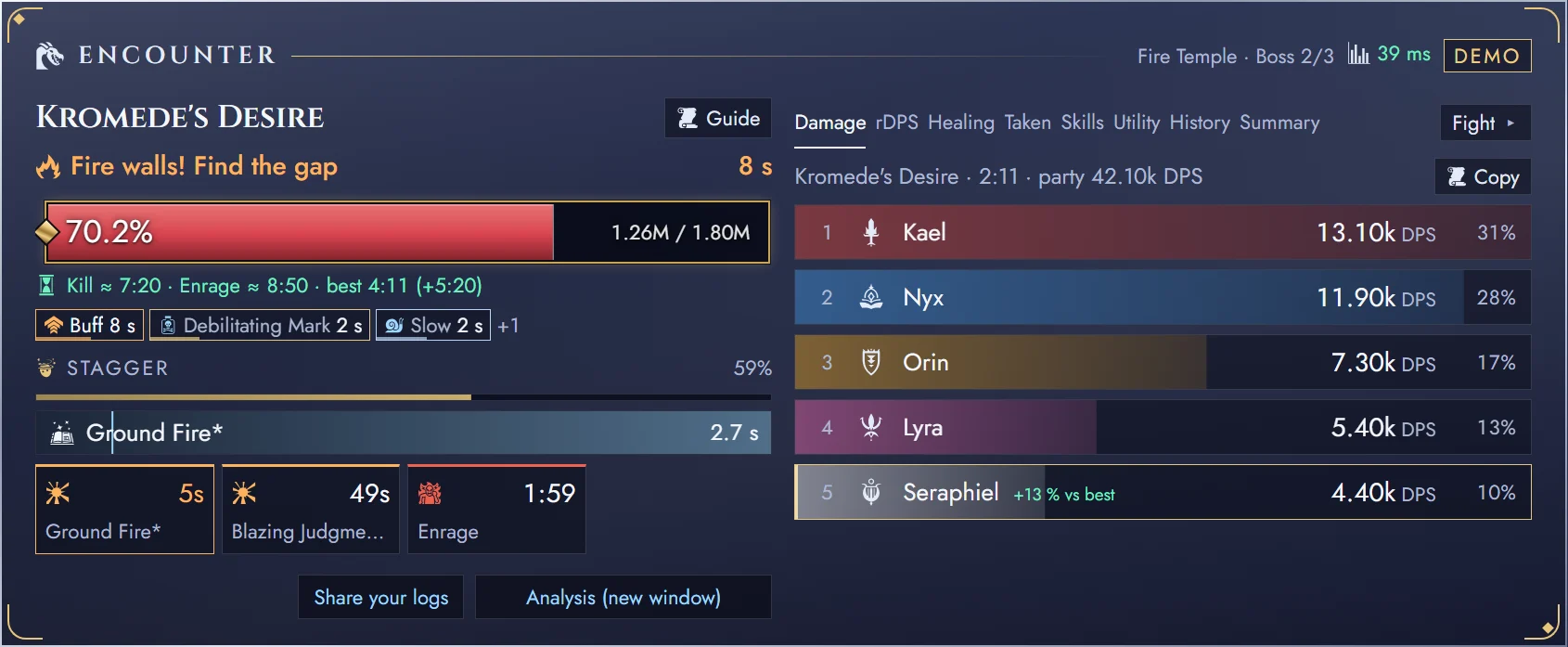
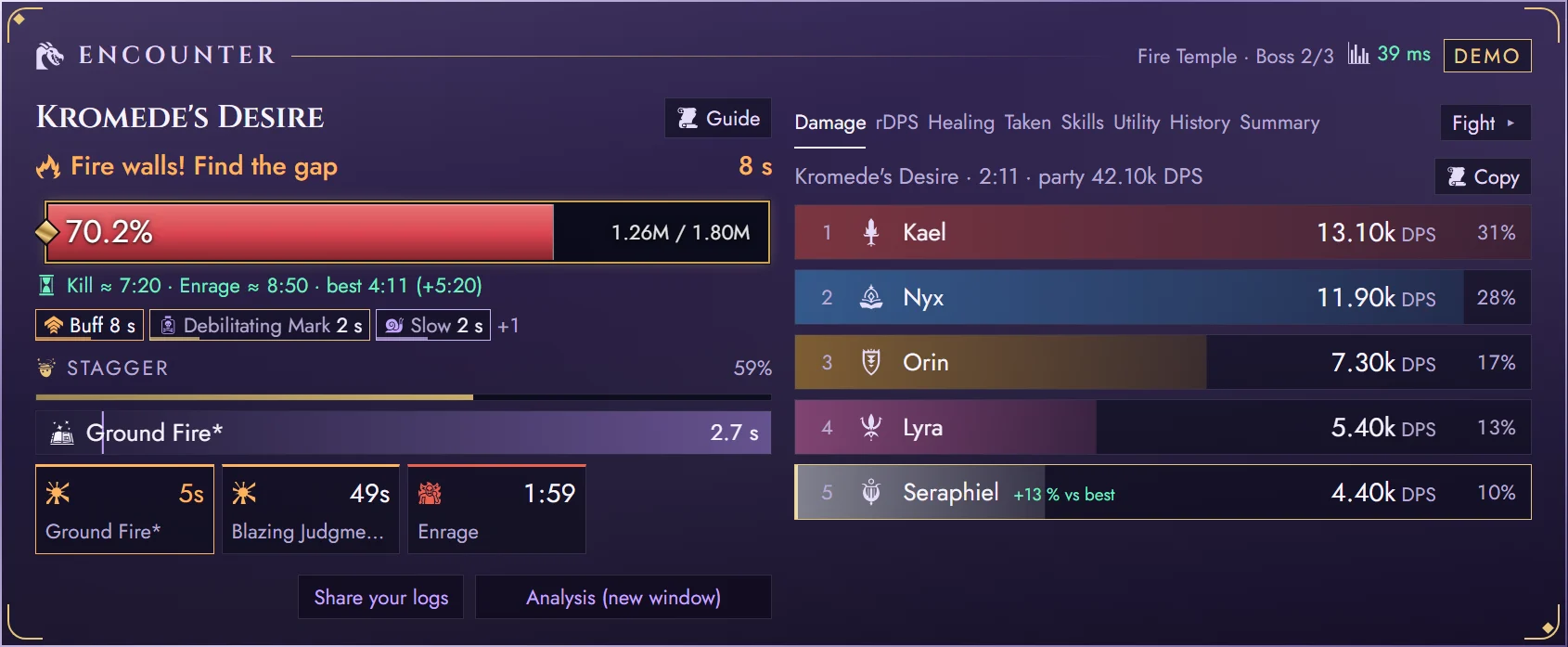
While your PC is not connected, a Share your logs button sits next to Analysis on the Encounter. It opens Connect to a2naki.com (also in the tray menu under a2naki.com) with a code: sign in on the site, confirm that it is your app, and pick your server. Signing in uses a code sent to your e-mail, or Google or Discord.
From then on A2Naki uploads your boss fights and dungeon runs in the background, also those already saved on that PC. Only real boss fights go up; open-world PvP never does. Once a boss fight is uploaded, Show fight on the Encounter opens it.
To stop, switch off Upload boss fights to a2naki.com in the tray menu, or disconnect the PC on your account page.
One pull
Inside a log
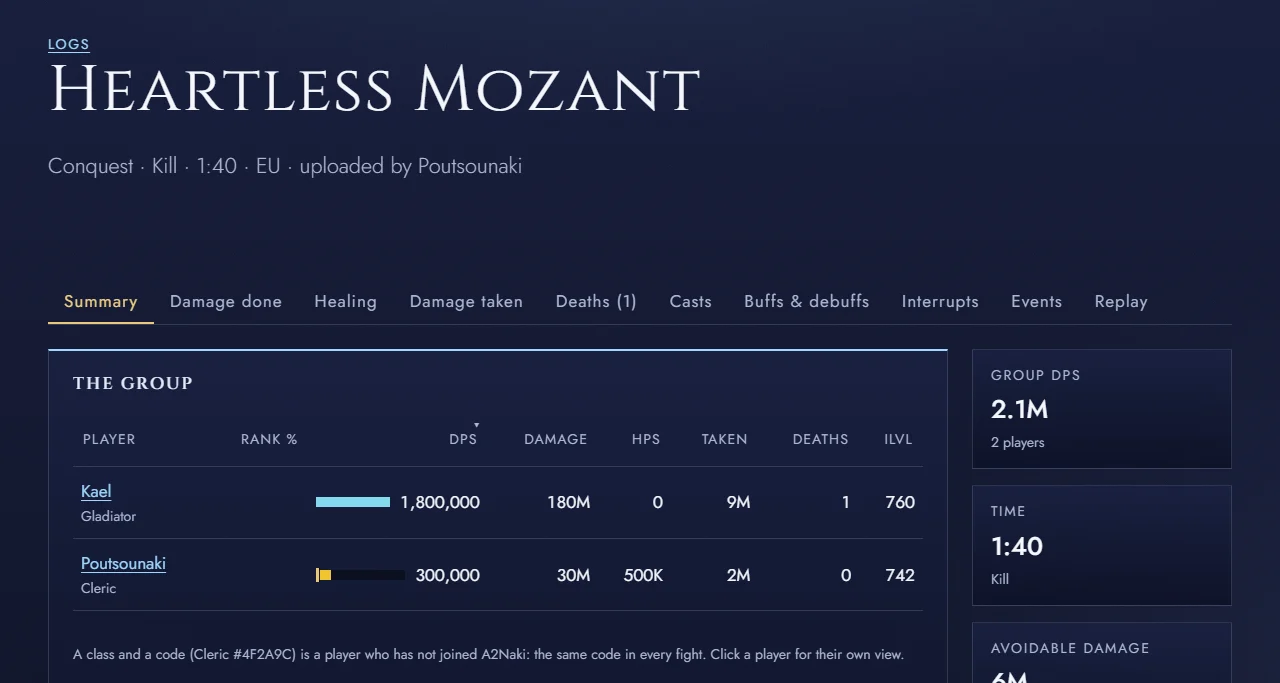
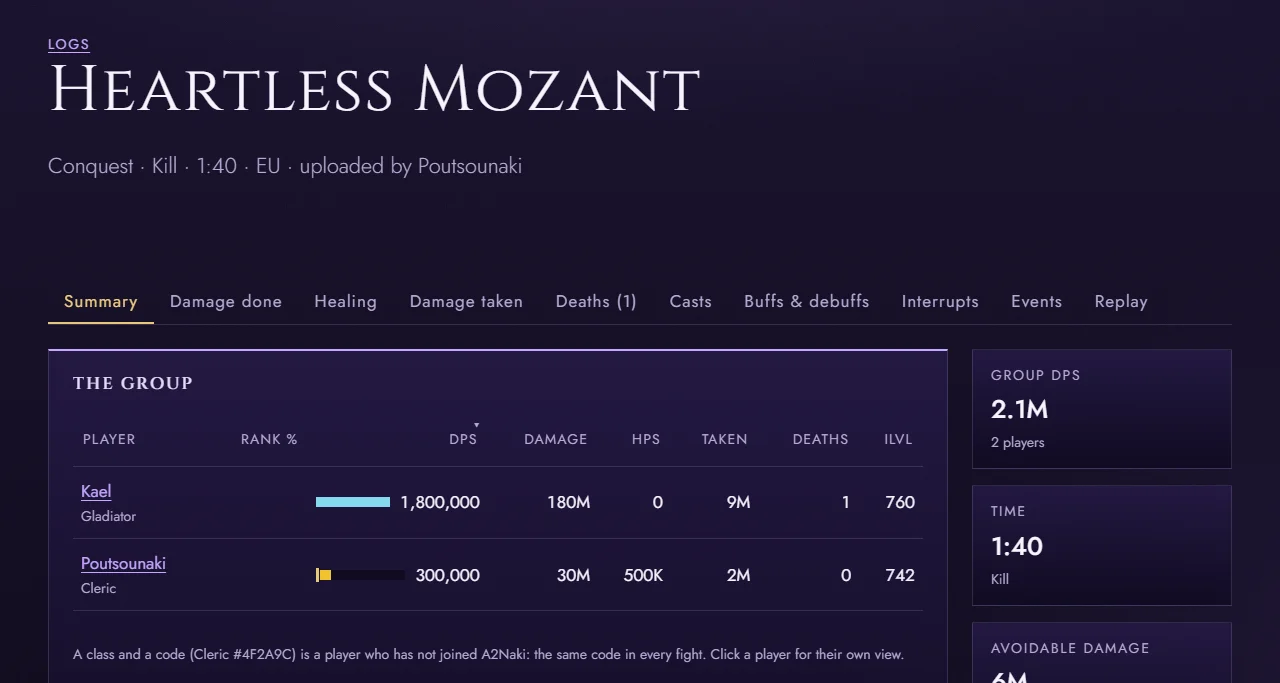
Each pull is its own log, with the boss, the difficulty and the result. Every player’s bar has the colour of their class, and the one who uploaded the log has a gold edge on theirs. A log has these tabs.
- Summary: each player’s damage and healing, and the uploader’s Rank %.
- Damage done and Healing: per player or per skill, with the same filters as the app’s Analysis page.
- Damage taken: the enemy attacks, how many players they hit and how much of it was avoidable.
- Deaths: the last hits before each death.
- Casts: What to improve, and the rotation of each skill over the fight.
- Buffs & debuffs shows what was up when, Interrupts which casts went through, and Events every event in order.
- Replay: the pull on the map (more on Fight replay).
Names
Who is named, and where
Everyone in a log shows by their character’s name. A player with no name on record shows by class and a code, and never on any list or ranking. The logs themselves are public: anyone can read them without an account.
Everyone's uploads are on the AION 2 boss logs and rankings. How results are ranked and the A2Naki Score are on How we rank.
Your character
Your profile
A character you upload your own fights with gets a public profile with its name and class and the server, faction and region you chose. Its best kill per boss, its A2Naki Score and its newest logs are under Fights & logs.
The app also sends your gear, stats and pets as the game shows them. The profile shows it under Character and Pets.
Your legion
Legion pages
Each legion has a page with its progress, its latest kills and its players by name. The Legions list ranks the legions.
PvP
Arena matches
From version 0.2.52 the app uploads your arena matches too. Each match gets a page with the result and your RP, both teams with their class icons, every kill in order and your own skills. The other team is never named, and a teammate shows by name, or as an ally by number with no name on record. Every match is also listed on Arena matches. More on the PvP meter page.
Your account
The account page
Your account page has these parts.
- Ways to sign in: add Google or Discord next to your e-mail.
- The A2Naki app: the PCs you connected, and Disconnect.
- Your characters: each character's server, taken from its uploads, and how much the app has sent for its profile.
- Your arena matches: the newest matches, each a link to its page.
- Uploads not on the site: fights the site refused.
- Your data: a download of everything kept for your account.
- Delete the account deletes your account and your uploaded logs with it, once you confirm by a link we e-mail you.
What is kept and for how long is on the privacy page.
Questions
Boss logs FAQ
Is there a Warcraft Logs for AION 2?
For AION 2 boss fights, a2naki.com works that way. Each pull you upload with the free A2Naki app becomes a log with damage, healing, deaths, casts and a replay, ranked against the same role on the same boss.