
Your character · your group
AION 2 character and party
Your buffs, debuffs and cooldowns with the time left, and your group’s HP and MP, on screen while you play.
Character
The Character card
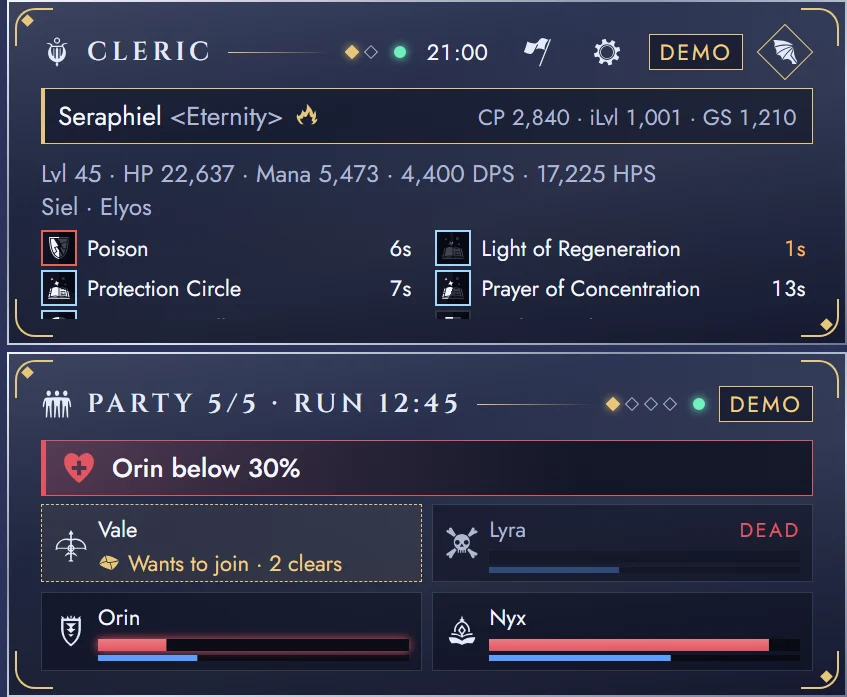
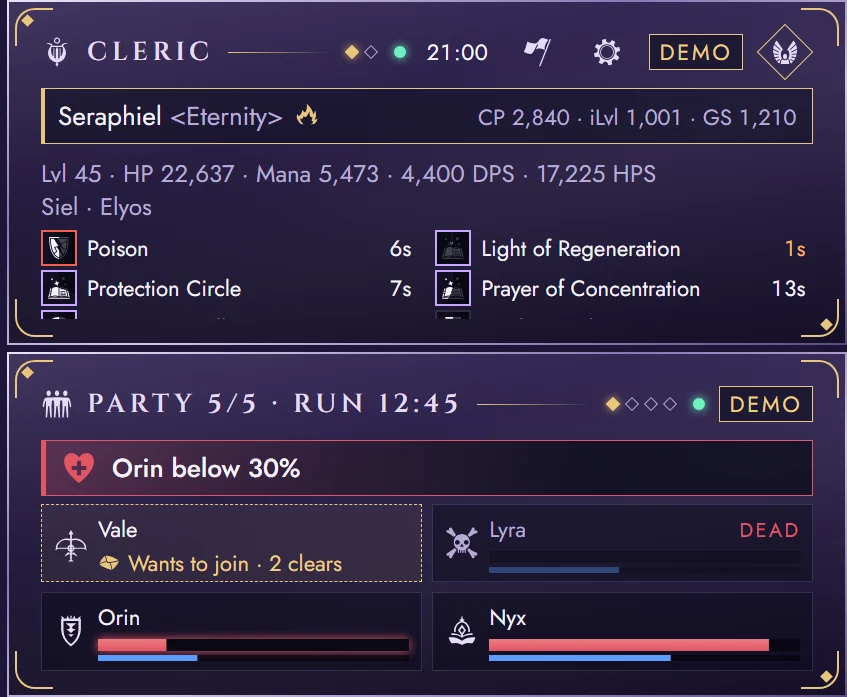
The card shows your class, level, combat power and legion, with your server and faction under the name, such as “Siel · Elyos”. Your XP to the next level and your mana show too; the mana appears from your first skill.
Below are your debuffs, buffs and cooldowns with the time left, in that order, the shortest first. A cooldown that ends says Ready. Your own low HP and your death show here as alerts, not in Party.
Tap the card for its second page, Combat Stats.
Combat Stats
Your combat stats
The Combat Stats page lists the stats the game sends at login and at every zone change, so after a gear change they update at the next zone change. Attack, Defense, Critical Hit and the speeds are not on it, because the game works those out itself. In the app, every stat has its own line in Help. What each stat and each deity stat does is on AION 2 stats explained.
Party
Your group
Party shows the others in your group with their class, HP and MP, and players who want to join. Your own line is on the Character card. A member from another server than yours has their home server after the name, since dungeons mix servers.
Low HP, deaths and dispels come up as alerts; tap one to clear it. Tap Party for its next page, and the last page compares combat power and gear score. While your dungeon room is open, Party shows who has not clicked Ready yet (✓ ready, ○ not yet). The game does not send your own click.
The damage and healing of the group are on the DPS meter.
Legion
Your legion in one list
Party’s Legion page shows your whole legion in one list that scrolls, the leader first, with level and combat power, from the member list the game sends at login. Your legion also has a page on a2naki.com.
Where it shows
Where Character and Party show
Character and Party are on page 1 of the Xeneon Edge and of the browser page, next to the Encounter. Each can also be an overlay window over the game. Your stats, gear and pets also show on your public profile.
Questions
Character and party FAQ
Why don't my Combat Stats change after I swap gear?
The game sends the stats at login and at every zone change, so A2Naki shows the new ones after your next zone change.